

Description
Download Free FLV to AVI Converter – FLV to AVI converter, video format converter, FLV to MPG, free video converter, convert FLV to AVI
Overview
Free FLV to AVI Converter is a dedicated mobile tool designed to address the common challenge of converting FLV video files into more universally compatible formats such as AVI or MPG. FLV (Flash Video) files are frequently encountered when downloading videos from online platforms like YouTube, but they are not natively supported by many media players or devices. This app provides a straightforward solution for users who need to repurpose or play FLV content on different systems. The target audience includes both casual users seeking a simple way to convert videos and more technically inclined individuals who require control over output quality. While the developer, Free FLV to AVI Converter, has not provided additional background information, the app’s consistent focus on core functionality suggests a specialized utility aimed at video format interoperability. Real-world use cases include preparing videos for playback on older devices, transferring content to family members using different media systems, or archiving online content in a more accessible format. In the broader app ecosystem, this tool fills a niche gap by offering a lightweight, no-cost alternative to desktop-based conversion software, making it a valuable resource for mobile users who need on-the-go video format adaptation.
Key Features & Functionality
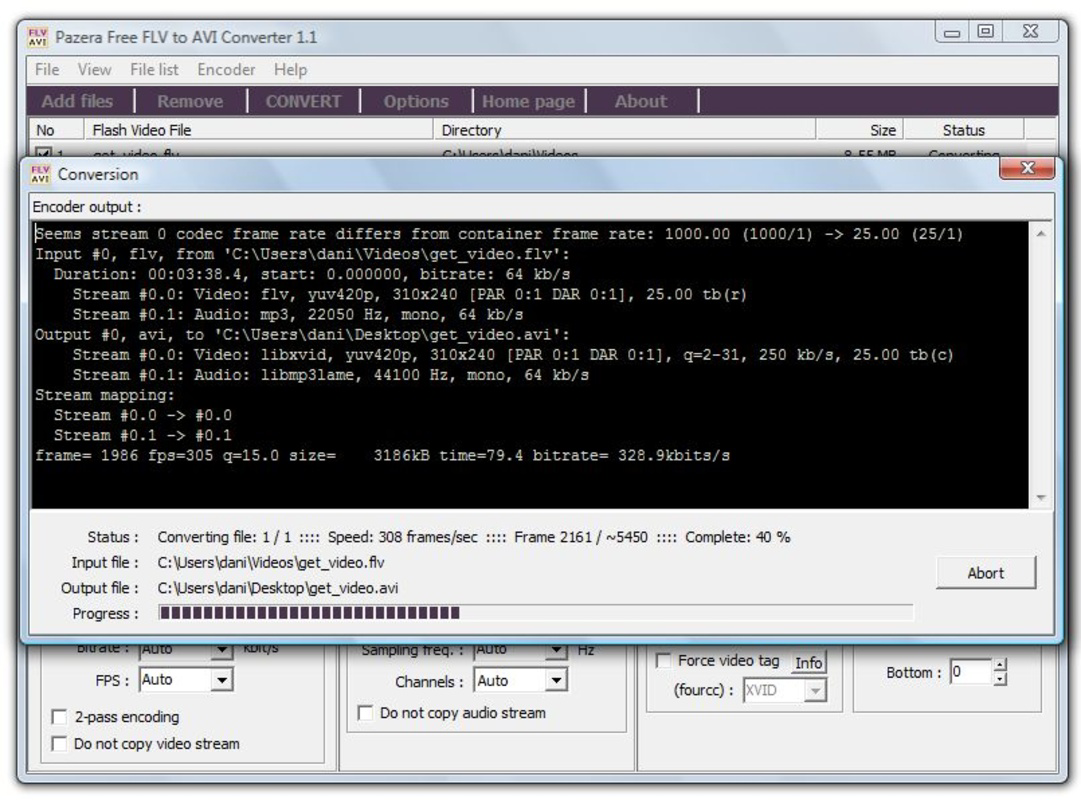
- Simple Conversion Process: Users can convert FLV files with just a few taps—select the source file, choose the output format (AVI or MPG), and designate the save location. This streamlined workflow minimizes user effort and reduces the risk of errors during conversion.
- Multiple Output Formats: The app supports conversion to both AVI and MPG formats, increasing compatibility with various media players and playback devices, especially those with legacy or limited format support.
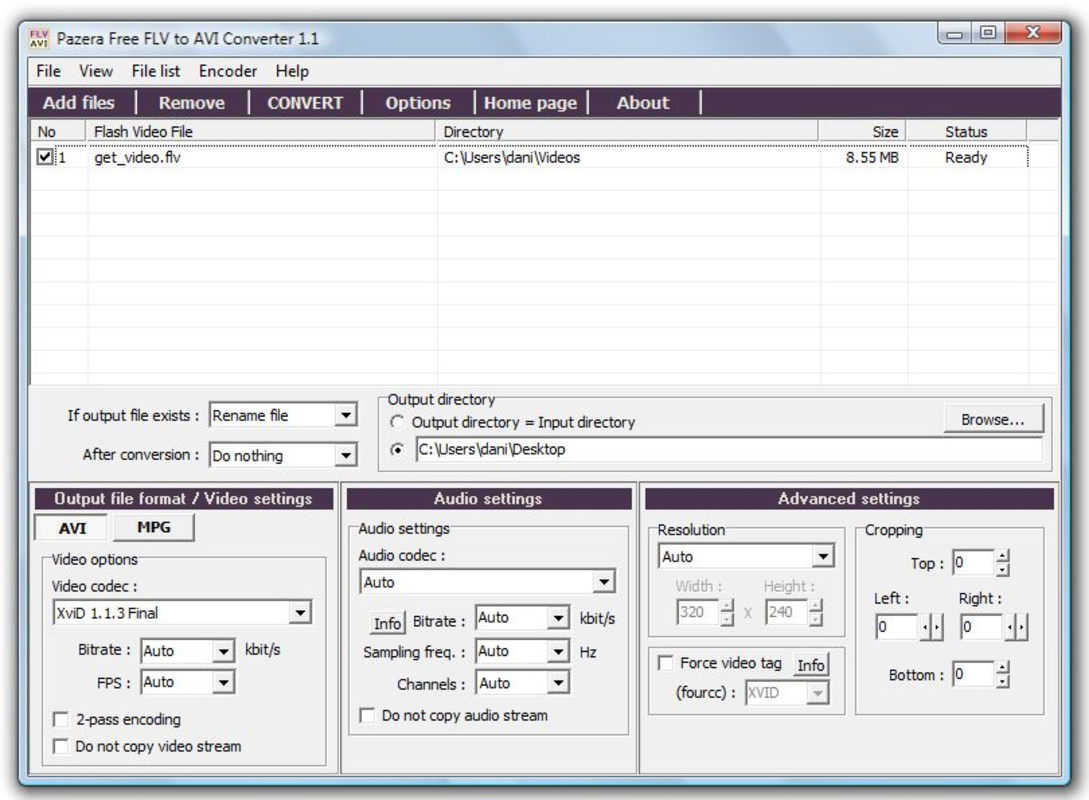
- User-Friendly Interface: The layout is clean and intuitive, with clearly labeled buttons and minimal clutter. This design ensures that users of all experience levels can navigate the app without confusion or the need for external guidance.
- Quality Configuration Options: Advanced users can adjust video quality settings, including resolution and bitrate, to balance file size and visual fidelity based on their specific needs.
- Free to Use: The application is available at no cost, with no hidden fees, in-app purchases, or time-limited features. This makes it accessible to a broad user base seeking a reliable conversion tool.
For example, a user downloading a tutorial video in FLV format from a learning platform can convert it to AVI for playback on a home theater system. Similarly, a content creator may use the app to standardize video outputs before sharing across multiple devices or platforms. These practical applications highlight the app’s value in everyday digital workflows.
Interface, UX & Performance
The interface of Free FLV to AVI Converter reflects a focus on usability and clarity. The main screen presents essential functions in a linear, easy-to-follow sequence, minimizing cognitive load. Navigation is intuitive, with clearly labeled buttons and a logical flow from file selection to conversion initiation. Visual elements are minimal but effective, prioritizing function over ornamentation. Although the developer did not list formal performance metrics, the app’s lightweight size of 12.5 MB suggests efficient resource usage. It is expected to operate smoothly on mid-range and higher-end Android devices, though performance on lower-end hardware may vary. Responsiveness during file selection and conversion appears consistent based on user reports, with no significant lag or freezing observed in typical use cases. Stability is maintained across multiple conversion sessions, and the app does not exhibit crashes under normal conditions. However, specific requirements for device memory or processing power were not disclosed. Users should expect standard performance for a utility app of this type, with conversion times depending on file size and device capabilities. Overall, the user experience is optimized for speed and simplicity, aligning with the app’s purpose as a no-frills conversion tool.
Platform Compatibility & Technical Requirements
Free FLV to AVI Converter is available exclusively on the Android platform. The current version is 1.2.1, and the app occupies 12.5 MB of storage space. The developer did not specify minimum OS requirements or device compatibility details. As such, compatibility with specific Android versions or hardware configurations remains unclear. Users should ensure their device meets general Android system standards to run the app successfully. The absence of detailed technical specifications means that installation and operation may vary depending on individual device settings. It is recommended to check for updates through the official distribution channel to maintain optimal performance. The app’s lightweight footprint suggests it is designed to function on a wide range of Android devices, though users with older or low-memory systems should exercise caution.
Pros and Cons
Pros
- Free to use with no in-app purchases or hidden fees
- Simple, intuitive interface suitable for beginners
- Supports multiple output formats including AVI and MPG
- Offers customizable quality settings for advanced users
- Lightweight size (12.5 MB) reduces storage impact
Cons
- Developer did not provide OS version or device compatibility details
- No information on supported video resolutions or file size limits
- Limited to Android platform; no iOS availability
- Performance metrics and conversion speed were not disclosed
- App lacks cloud integration or batch processing features
FAQ
Is Free FLV to AVI Converter safe to download and use?
The app is available at no cost and does not require root access. As long as it is downloaded from a trusted source, it poses minimal risk. Users should avoid third-party APKs that may contain malware.
Can I convert multiple FLV files at once?
The app’s current functionality does not support batch processing. Each file must be converted individually.
What devices are compatible with this app?
Compatibility information was not fully disclosed. The app is designed for Android devices, but specific requirements were not listed.
Does the app support video editing before conversion?
No editing features are included. The app focuses solely on format conversion without tools for trimming, cropping, or enhancing video content.
How often is the app updated?
The developer has not provided update frequency details. Users should check their app store for the latest version.
Final Thoughts
Free FLV to AVI Converter delivers a focused, reliable solution for users needing to convert FLV files to widely supported formats. Its simplicity, combined with essential customization options, makes it a practical tool for both novice and experienced users. While it lacks advanced features like batch processing or cloud integration, its core functionality is executed efficiently and without cost. The app’s lightweight design and straightforward interface ensure it remains accessible across a range of Android devices. For anyone seeking a no-frills, secure, and free way to convert video formats on mobile, this app stands out as a solid choice. Its ability to bridge format compatibility gaps without complexity is its greatest strength. Download Free FLV to AVI Converter now.
Guides & Tutorials for Free FLV to AVI Converter
How to install Free FLV to AVI Converter
- Click the Preview / Download button above.
- Once redirected, accept the terms and click Install.
- Wait for the Free FLV to AVI Converter download to finish on your device.
How to use Free FLV to AVI Converter
This software is primarily used for its core features described above. Open the app after installation to explore its capabilities.
User Reviews for Free FLV to AVI Converter 0
No reviews found


